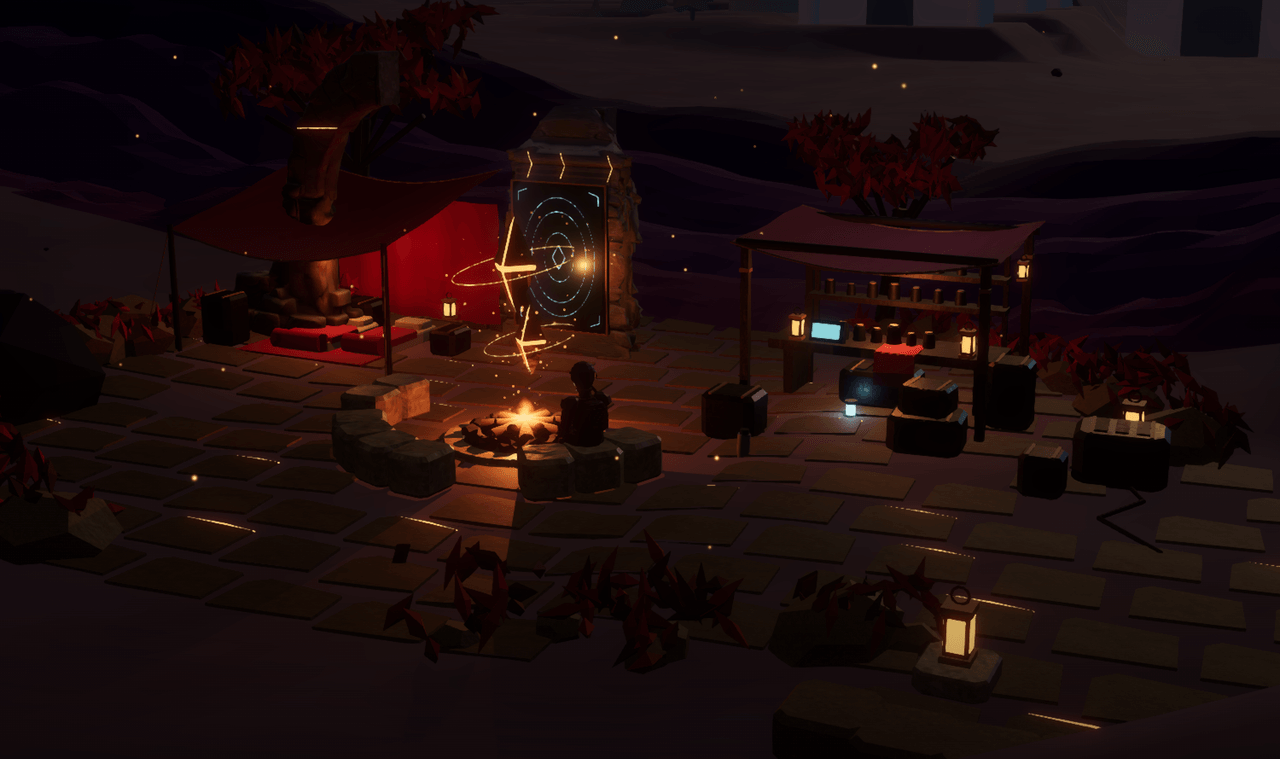
Recover the anchors. Restore the receiver. Bring Ember home.
Your progress saves on this device.
Drag to orbit · Scroll to move closer
Game settings
Graphics, controls and sound
Stick / D-pad chooses · Cross / A selects · Circle / B goes back · right stick scrolls
Choose a preset, then adjust individual options. High keeps the full desktop presentation.
Performance uses less detail and smaller render targets. Balanced adapts to your device.
Lower values reduce the number of pixels drawn. Menu text stays sharp.
Controls nearby foliage and decorative detail. Paths, buildings and interactions stay available.
Compact textures use less memory. A change takes effect after reloading.
Reload to apply your texture choice. Campaign progress stays saved.
Smaller shadow maps use less graphics memory. Off removes cast shadows.
Adds wet-surface reflections. Turning off reduces graphics work and memory.
Adds depth where nearby surfaces meet. Turning off uses less memory.
A lower limit can reduce heat and battery use. Movement and physics keep their own timing.
Adds bloom around bright objects. Turn off to reduce graphics work.
Scene appearance
Adjusts the brightness of the scene.
Adjusts the campfire light and flame.
Adjusts the strength of the sky colour.
Choose a control guide, or adjust input preferences below.
Movement settings become available after entering exploration.
Input preferences & calibration
Control guides
Touch screen
Move
Drag the left movement pad.
Look
Drag an empty area on the right.
Fire & aim
Hold Fire and drag to aim while shooting.
Jump / boost
Tap Jump. Tap again in the air to boost.
Sprint / aim
Tap Sprint or Aim to toggle.
Recharge
Tap Recharge beside your ammo count.
Interact
Tap Use when a prompt appears.
Help & settings
Open Menu at the top right. Landscape gives more room.
Keyboard & mouse / trackpad
Move / sprint
W A S D / hold Shift
Look
Captured mouse, trackpad, or arrow keys
Fire
Click or hold F
Aim
Right click or X
Jump / boost
Space, then Space again in the air
Recharge / use
R / E
Ember / scan
C / Q
Map / journal
M / J
Menu / release mouse
Esc
Choose Trackpad / Apple mouse to look without capturing the cursor. Click Capture mouse for continuous mouse aiming.
PlayStation / Xbox controller
Move / look
Left stick / right stick
Aim / fire
L2 / LT · R2 / RT
Jump / boost
Cross / A
Ember
Square / X
Recharge
R1 / RB
Use
Triangle / Y
Scan / sprint
L1 / LB · press left stick
Map
View / Touchpad
Menu
Options / Menu
Menu navigation
Stick / D-pad chooses; Cross / A selects; Circle / B goes back. Left / right adjusts a setting or changes tabs; right stick scrolls.
Compact controller · Zero 2
D-pad moves; hold L with the D-pad to look. R fires, A jumps, B toggles aim, X recharges, Y uses and Select scans. L + Select calls Ember. Start opens the menu.
Survey craft
Use boards, lands or exits. On keyboard: W/S thrust and brake, A/D manoeuvre, Space rises, Ctrl descends, Shift boosts, and V changes view. Release thrust to coast. Slow below 8 m/s over a clear surface to land.
On touch: hold Rise or Descend, use the movement pad to thrust, drag the right side to steer, and tap Use to land. On controller: left stick thrusts, right stick steers, Cross/A rises, Square/X descends, left-stick press boosts, and Triangle/Y lands.
Game and sound preferences apply on this device.
Includes supplied campfire, lake and surface recordings.
Overall level for music, ambience and effects.
Soundtrack level. Music also softens near western water and inside the Great Hall.
Recorded lake water and campfire.
Footsteps, weapons, machinery and ship sounds. Walking is quieter than sprinting.
New expedition is in the field journal. It clears campaign progress; these settings do not.
Ember PaladinCelestial Camp0 m from camp
Recover power cores · 0/3
N000°
↑No active signal
N ↑52 m
Explore the frontier
Keyboard + mouse
Rotate your device to landscape to play
×
◇Outpost core95 m
ERecover power core
EMBER
SHIELD 100
SCRAP 0
18 / 18FRONTIER CARBINEHold F to fire
RECEIVER 100%
WAVE 0/3
W A S D Move ·Shift Sprint ·Space Jump / boost ·Esc Release mouse
Survey craft0 m/s · 0 mSpace rise · Ctrl descend · E land · V view
WASD move · Shift sprint · Space jump / boost Move the trackpad / mouse to look · Hold F to fire · X toggle aim R recharge · E interact / sit · V change view · C call Ember · Q scan · J journal · Esc menu
Drag the right side to look · drag Fire to aim and shoot
Adventure paused
Your route, Ember’s abilities and game settings.
Rotate your device to play
Turn your phone or tablet sideways. Then choose Resume exploration.
Survey Workshop rooftop unrecorded.
Stick / D-pad chooses · Cross / A selects · Circle / B goes back · right stick scrolls
Campaign progress is saved on this device.
Ember Paladin
Field map
Survey Workshop rooftop unrecorded.
Landmarks
Celestial Camp 0 m
Reclaimed Outpost 100 m
East Relay 76 m
Rift Garden 125 m
Reactor Hall 145 m
Rift Overlook 220 m
Conifer Ford 185 m
Rust Overlook 158 m
Freight Exchange 130 m
Signal Archive 184 m
Celestial Observatory 224 m
Your position Distances update as you walk. The rooftop survey belongs to the Survey Workshop. Damaged structures can remove access.
Stick / D-pad chooses · Cross / A selects · Circle / B goes back · right stick scrolls
Close the map to continue. You can return to camp from the pause menu at any time.
Frontier transmission
Engineer’s archive
Choose with the arrow keys and Enter, or the controller stick and Cross / A.
Ember Paladin · expedition 01
Field journal
Bring Ember home
EmberTrapped · northern rift
Your fire companion is trapped beyond the northern rift. Recover the anchors and restore the receiver to bring Ember home.
Find Ember · recover anchor cores · 0/3
Anchor cores 0/3Scrap 0
Recover the three anchorsFollow the receiver’s signal to Ember.
Restore the receiverFollow the receiver’s signal to Ember.
Hold the signalFollow the receiver’s signal to Ember.
Free EmberFollow the receiver’s signal to Ember.
Bring Ember homeFollow the receiver’s signal to Ember.
Optional · restore the Eastern traceFollow the receiver’s signal to Ember.
Workshop rooftop
Survey
Unrecorded
Broken supports
0
Explore the existing workshop roof. Sturdy vines and structural ledges provide handholds.
The Sleeping Frontier
Find the engineer’s archive in the outpost and discover what happened to the settlement.
Stick / D-pad chooses · Cross / A selects · Circle / B goes back · right stick scrolls
Graphics, sound and input preferences are in Menu → Settings.
Progress and choices are saved on this device. New expedition clears the campaign. Ember Paladin 2.6.1
Ember’s abilities
Ember Link
Rescue Ember to awaken Ember Link.
Ember helps you read the frontier and find a path onward. Use Scan when Ember Link is ready.
Keyboard Q · touch Scan · controller L1 / LB
Call Ember
Call your companion for guidance along your current objective.
Keyboard C · touch Ember · controller Square / X
Close this menu to use your abilities. Exploration stays paused while you read.
Stick / D-pad chooses · Cross / A selects · Circle / B goes back · right stick scrolls